Introduction
In the corporate world, the Lenovo ThinkPad X1 Carbon is an absolute legend. For over a decade, it has been the default status symbol for executives, programmers, and digital nomads who demand unparalleled reliability, world-class keyboards, and a stealthy, no-nonsense aesthetic.
However, over the past few generations, competitors began to catch up. Other brands started offering lighter chassis, better battery life, and superior OLED displays.
With the release of the Lenovo ThinkPad X1 Carbon Gen 13 (Aura Edition), Lenovo hasn’t just caught up to the competition-they have completely redefined the modern business laptop. Powered by Intel’s revolutionary “Lunar Lake” Core Ultra processors, this machine brings massive AI capabilities, a stunning 120Hz OLED display, and a full suite of ports, all while magically dropping its weight to under 1 kilogram (2.17 lbs).
If you are a professional looking to upgrade your mobile workstation in 2026, here is our comprehensive review of why the Gen 13 ThinkPad X1 Carbon is the closest thing to business perfection we have ever seen.
Design and Build: The Sub-1 Kilogram Magic
At first glance, the Gen 13 looks exactly like a ThinkPad should: it retains the iconic matte black finish, the glowing red “i” on the lid, and the legendary red TrackPoint nub buried in the center of the keyboard. But the moment you pick it up, your brain will struggle to comprehend how light it is.
Featherlight Carbon Fiber
Lenovo achieved a starting weight of just 986 grams (2.17 lbs) by utilizing an aerospace-grade carbon fiber top cover and a 90% recycled magnesium alloy chassis. Despite feeling hollow and light as a feather, it is incredibly rigid. The laptop passes rigorous MIL-STD-810H military durability testing, meaning it can survive extreme temperatures, high humidity, and accidental drops on airport terminal floors.
Keyboard and Haptic Touchpad
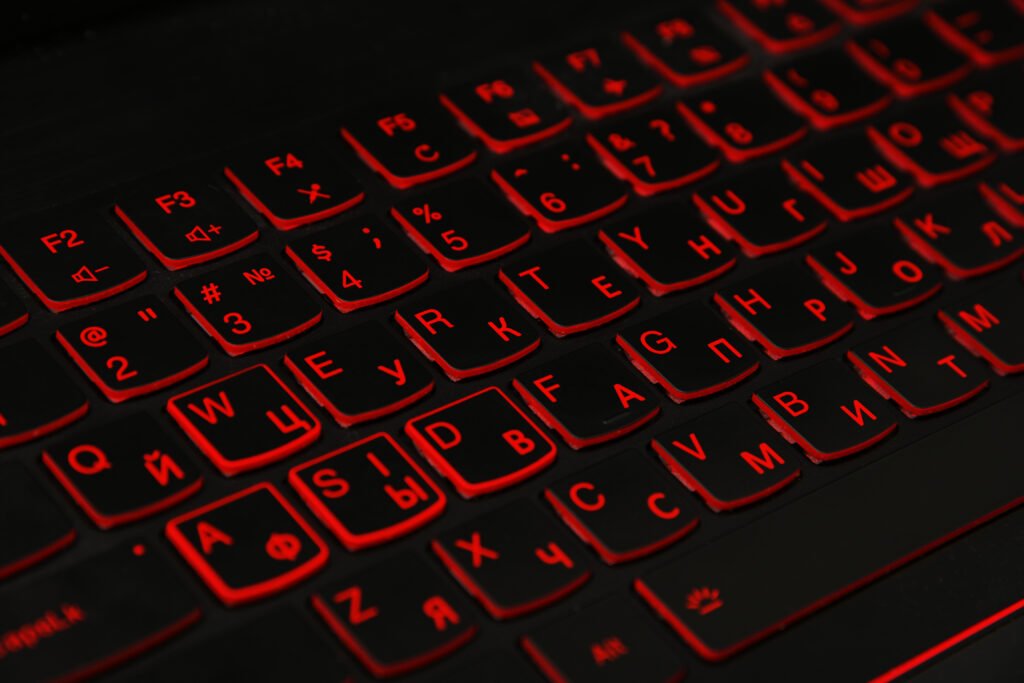
The ThinkPad keyboard remains the absolute gold standard in the laptop industry. The keys offer a snappy 1.5mm of travel, providing a deeply satisfying, tactile typing experience that makes hammering out thousands of words or lines of code an absolute joy.
Below the keyboard, Lenovo offers a massive upgrade: a premium Haptic TouchPad. Instead of a mechanical diving board hinge, it uses vibration motors to simulate a click, meaning you get a uniform, perfect click no matter where you press on the glass. (Traditionalists don’t need to worry; the dedicated physical left/right buttons for the TrackPoint are still proudly sitting at the top of the trackpad).
Display: 2.8K OLED at 120Hz
Historically, business laptops sacrificed display quality for battery life, shipping with dim, washed-out 1080p LCD panels. The X1 Carbon Gen 13 throws that compromise out the window.
The Ultimate Viewing Experience
The laptop features a breathtaking 14-inch 2.8K (2880 x 1800) OLED display with a productivity-focused 16:10 aspect ratio. Because it is an OLED panel, the contrast is infinite. Blacks are perfectly pitch-black, making spreadsheets, code editors, and late-night Netflix binges look spectacularly vibrant.
The screen also features a buttery-smooth 120Hz refresh rate. While gamers have enjoyed 120Hz for years, having it on a business laptop makes a massive difference in daily use. Scrolling through long PDF documents, dragging windows across the screen, and zooming in on Excel cells feels incredibly fluid and reduces eye strain over a long workday.
Anti-Glare Coating
Perhaps the best feature of this display is the anti-glare and anti-reflective coating. Unlike the glossy, mirror-like screens found on MacBooks, the X1 Carbon diffuses harsh overhead office lights and direct sunlight, allowing you to work comfortably by a bright window without seeing your own reflection.
Performance: Intel Lunar Lake and the AI Revolution
The beating heart of the Gen 13 is Intel’s massive architectural leap: the Core Ultra 7 258V (Lunar Lake) processor. This chip fundamentally changes how the ThinkPad handles memory, graphics, and Artificial Intelligence.
Memory on Package (MoP)
To save space and massively increase efficiency, Intel moved the RAM directly onto the processor package. Configurable up to 32GB of LPDDR5x RAM, the data transfer speeds are blistering. The only downside is that the RAM is no longer user-upgradable after purchase, so you must buy the exact amount you need upfront.
The NPU and AI Capabilities
This laptop is officially a Copilot+ PC. The Intel Core Ultra features a dedicated NPU (Neural Processing Unit) capable of up to 48 TOPS (Trillion Operations Per Second).
What does this mean for a business user in 2026? It means the laptop runs heavy AI tasks locally without draining the battery or sending sensitive corporate data to the cloud. The NPU can instantly transcribe meetings, summarize massive PDF documents in seconds, blur your webcam background flawlessly, and execute complex code-generation commands locally.
Graphics
The integrated Intel Arc 140V graphics are surprisingly powerful. While you won’t be playing heavy AAA games on this machine, it effortlessly handles heavy photo editing in Adobe Photoshop, drives multiple 4K external monitors, and renders basic 4K video exports without stuttering.
Battery Life: The True Road Warrior
Lenovo has branded the Gen 13 as the “Aura Edition,” which introduces a suite of intelligent software features designed specifically to remove daily friction from your workflow.
- Smart Share: By utilizing an AI virtual sensor, you can simply tap your Android or iOS smartphone against the side of the laptop. A window instantly pops up, allowing you to drag and drop photos, files, and text messages directly between your phone and your PC without relying on Bluetooth pairing or cloud storage.
- Smart Modes: The laptop anticipates your environment. If you log onto public airport Wi-Fi, it automatically prompts a VPN connection and obscures your screen from onlookers. If you launch a Zoom call, it automatically prioritizes network bandwidth to your video feed.
- Security: As expected, the X1 Carbon is a fortress. It features a match-on-chip fingerprint reader built into the keyboard, facial recognition via the IR camera, a physical privacy shutter to block the webcam lens, and deep Intel hardware-level threat detection.
Conclusion: The Best Business Laptop of 2026
The Lenovo ThinkPad X1 Carbon Gen 13 is not cheap. Starting around $1,600 and quickly soaring past $2,500 for fully-loaded OLED and 32GB RAM models, it is a massive investment.
But for professionals whose livelihood depends on their computer, it is worth every single penny.
Buy the ThinkPad X1 Carbon Gen 13 if:
- You travel constantly and want the absolute lightest 14-inch laptop on the market without sacrificing durability.
- You do massive amounts of typing and require the best laptop keyboard in existence.
- You hate carrying dongles and need full-size HDMI and USB-A ports.
- You want the deep, pure blacks of a 120Hz OLED screen paired with anti-glare coating.
By combining the jaw-dropping efficiency of Intel’s Lunar Lake processors with a sub-1kg chassis and a flawless keyboard, Lenovo hasn’t just updated the X1 Carbon; they have perfected it. It is, without a doubt, the best business laptop you can buy right now.