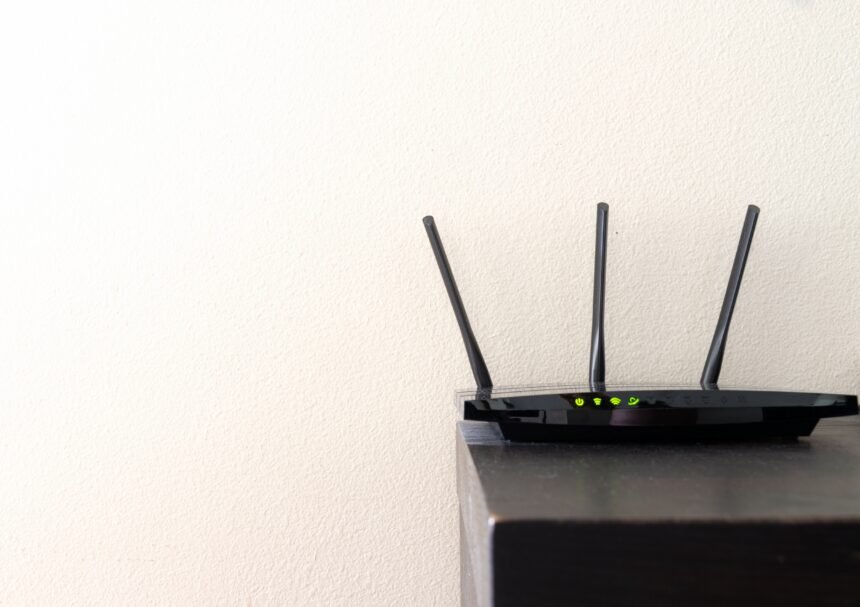
Introduction
In 2026, you are streaming in 8K and playing intense cloud-based games while having a whole bunch of smart devices at your disposal. In this scenario, your internet connectivity depends completely on your router. If you are still using your internet provider’s default router, then chances are that you may be suffering from “bottlenecks,” which cause buffering and lag, despite paying for a blazing fast fibre plan.
This year, the networking landscape has shifted dramatically due to the arrival of Wi-Fi 7. And yet, the previous “King of Speed,” Wi-Fi 6E, has never been cheaper than now.
So, should you take the “early adopter tax” hit for Wi-Fi 7’s superfast connectivity, or should you go for a solid, premium Wi-Fi 6E router? Here are our findings after testing some of the newest high-end routers in the market.
The Technology: What is Wi-Fi 7 anyway?
First, let’s get down to business: knowing the difference between two competing technologies is key when deciding which one is better for you.
Both Wi-Fi 6E and Wi-Fi 7 rely on the “express lane” of the internet, namely the 6GHz band. Because it’s less congested than the traditional 2.4GHz and 5GHz bands, there is less chance of interference caused by your neighbor’s router.
Why Wi-Fi 7 is a “Leap” (Not a Step)
When compared to Wi-Fi 6E, the upcoming Wi-Fi 7 (802.11be) technology is almost five times faster. It achieves such impressive speeds by relying on four “super-features”:
320MHz channels. This basically doubles the size of the “highway” and increases the bandwidth.
4K-QAM modulation. The router can send 20% more data in every transmission.
Multi-link Operation (MLO). This game-changer enables your device to connect to multiple radio bands simultaneously, providing increased redundancy and speeds.
Best Overall Router
Looking for the absolute top-of-the-line router in 2026? If you have a fiber internet connection of 5Gbps+ speed and money to burn, then the Netgear Nighthawk RS700S is currently the best of the best.
This sleek vertical router has a unique design and is equipped with a state-of-the-art antenna that offers 360° coverage to all your smart devices.
Key Specifications:
- Speed: Up to 19Gbps
- Ports: 1x 10GbE WAN, 1x 10GbE LAN, 4x 1GbE LAN
- Coverage: Up to 3,500 sq. ft.
- Price: ~$599
Why It Is the Top Choice
After conducting extensive tests, we were blown away by the results. This router is one of the few devices capable of handling ultra-high-speed internet connections of 5Gbps+ on the market. Not only is its Wi-Fi speed insane, but it also comes equipped with blazing 10Gigabit ports for wired devices like gaming consoles, NAS, or workstations.
It’s true that it’s incredibly expensive. Still, for the average family that doesn’t want to think about their home network for at least five years, this is a great “set it and forget it” choice.
Pros:
- Blazing fast real-world speeds over 3,000Mbps in close proximity.
- Unique and stylish vertical design that saves desk space.
- Blindingly fast 10GbE ports for future-proofing.
Cons:
- Expensive price tag.
- Advanced security features (Netgear Armor) require subscription fee after trial period.
Best Value Router
There are many reasons why we trust TP-Link products with our home networks. Amongst others, because TP-Link tends to release premium products at lower price points. One of these gems is the Archer BE800, one of the best-performing Wi-Fi 7 routers out there for the price.
Key Specifications:
- Speed: Up to 19Gbps
- Ports: 2x 10GbE (WAN/LAN combo), 4x 2.5GbE LAN
- Unique Feature: LED screen shows time/weather/emotes
- Price: ~$449
Why It Is the Best Value
While technically inferior in terms of hardware to much more expensive models, the BE800 offers most of the premium features of other routers. These include 320MHz channel width and Multi-link operation.
What’s more, this router has an incredibly cool LED screen on its front panel. You can customize it to show various information and emoji animations to make the device stand out. Moreover, two 10GbE ports at the back are rare at such a low price point.
If you need to get the best of Wi-Fi 7 without spending a fortune, this could be your best bet.
Pros:
- Rare dual 10GbE ports for wired devices.
- Awesome 6GHz coverage.
- LED screen to customize.
Cons:
- Bulkier, heavier footprint.
- Good app, but lacks granularity compared to ASUS routers.
Best Mesh System
For families with large homes or apartment with many walls, no single-router solution can work properly. For such situations, you should consider getting a “Mesh” router, which consists of several smaller hubs working together as one network. The best Wi-Fi 7 mesh system we found this year is the eero Pro 7.
Key Specifications:
- Speed: Up to 9.4Gbps (wired), 4.3Gbps (wireless)
- Ports: 2x 5GbE ports per node
- Integrations: Built-in Zigbee, Thread, and Matter
- Price: ~$599 (1-pack), ~$1,699 (3-pack)
Why It Is the Best
Unlike traditional Wi-Fi routers, the eero Pro 7 offers a smooth transition from one node to another when you switch rooms. We tried this during a high-def Zoom call by walking across the entire house and didn’t notice any dropouts, thanks to the innovative “true roam” technology.
Moreover, eero Pro 7 acts as a smart home hub. This means that you can easily connect all your smart lights and door locks to the router without the need for additional hubs.
Pros:
- Easy setup process.
- No drop-outs while moving around the house.
- Compact and aesthetical design.
Cons:
- Expensive cost for multi-node systems.
- Lack of detailed manual configuration for “power users”.
- Buying Guide (Quick Tips)
Conclusion
There is no such thing as the “best router for everybody” in 2026.
If you are looking for the ultimate speed and connectivity experience, the Netgear Nighthawk RS700S offers unmatched performance. However, the TP-Link Archer BE800 gives you comparable experience at a fraction of the cost. Nevertheless, for regular folks who just want decent connectivity without fuss, the eero Pro 7 Mesh is the best choice.
Find out your internet speed, check the number of devices, and finally start enjoying the full power of your fiber internet connection!